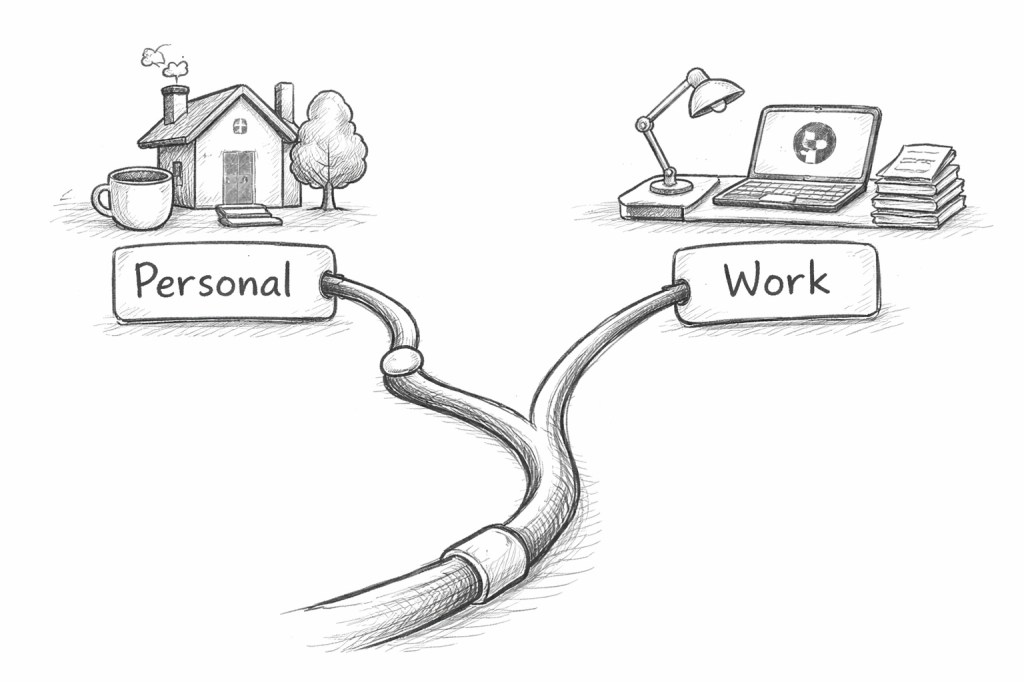
Git config files support conditional includes and one of the conditions supported is the git remote url.
This is interesting because one of the most common reasons for having a .gitconfig file is to store your email address. I version control my dotfiles and I was left with a choice of either:
- Having both a
workandmainbranch with different .gitconfig files with different email addresses. - Or, remembering to set the correct email address per repository.
Neither is ideal – the first is fiddly, the second is error-prone.
With conditional includes I can keep my main “generic” config file with my personal address, and automatically include a work-specific config file for work repositories. It works reliably because it recognises work repositories based on the remote URL.
Here’s the start of my .gitconfig file:
[user] name = Dean Sas email = dean@deansas.org[includeIf "hasconfig:remote.*.url:git@github.com:Automattic/**"] path = ~/.gitconfig-a8c
My email address is set to my personal one globally. The includeIf stanza will include a separate config file .gitconfig-a8c if any of the git remotes on a checkout belong to the Automattic organisation on GitHub. In my .gitconfig-a8c file I can then do:
[user] email = dean.sas@automattic.com
You can have multiple includeIf which include the same (or different) files, in the event that you have multiple GitHub organisations, or even GitLab or GitHub enterprise servers.
You can verify it’s working by running git config user.email in different repositories — you should see your work email in work repos and personal email elsewhere.
The only (small) downside is that this only works once a remote exists, so it won’t apply immediately after git init. In practice the only thing that is likely to affect is the defaultBranch setting.
 Dean Sas
Leave a comment